Workflow
Presets
The Presets page under Workflow provides an overview of the presets stored on the flexAI system and allows them to be imported, exported, and deleted.
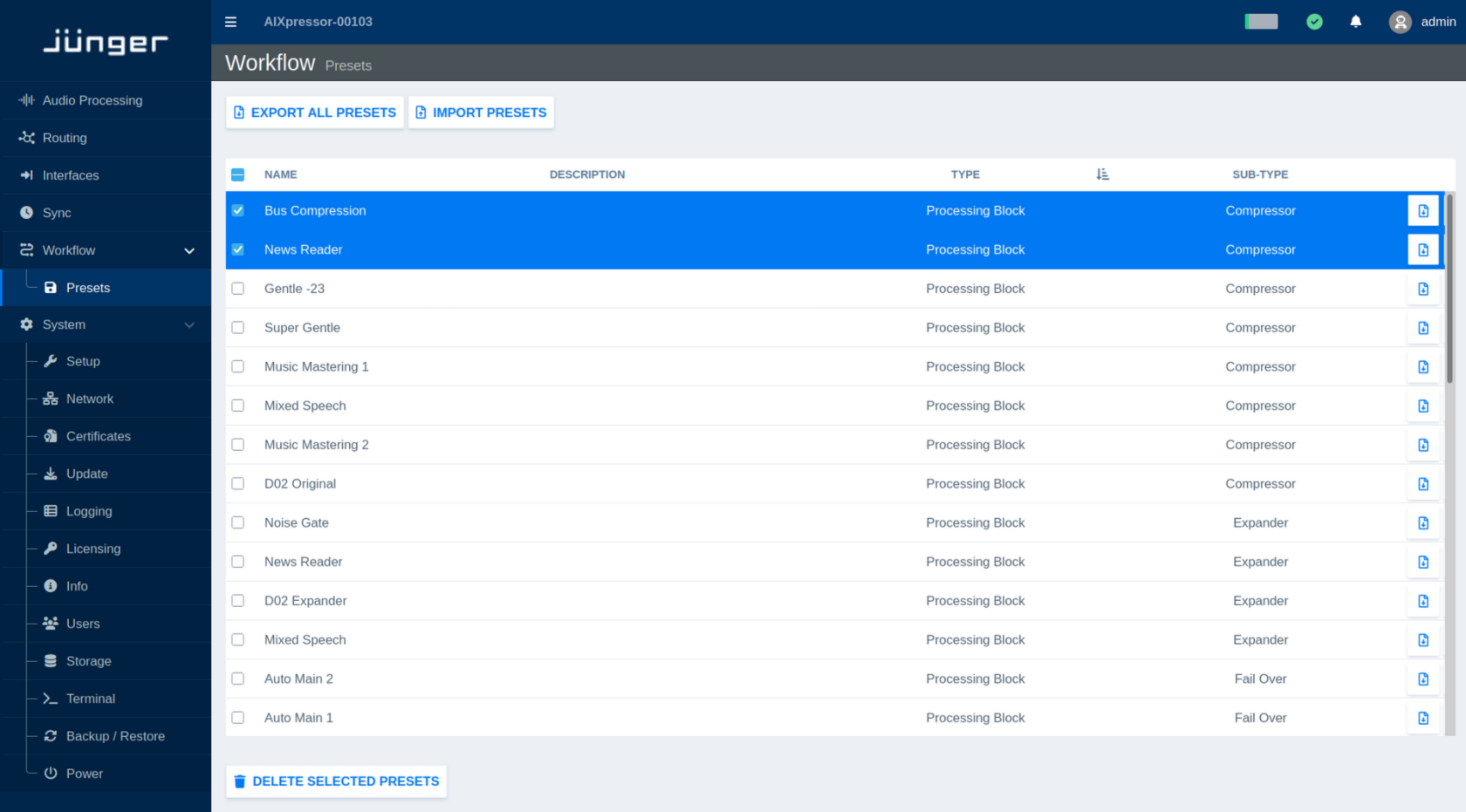
The preset list shows the Name, optional Description, Type, and Sub-Type of each preset. This makes it easier to identify which part of the system or processing function a preset belongs to.
Click Export All Presets to export the complete preset collection.
Use Import Presets to import presets from a previously exported preset file.
Individual presets can also be exported using the export button at the right-hand side of the corresponding entry.
To remove presets, select one or more entries using the checkboxes and click Delete Selected Presets.