Setup
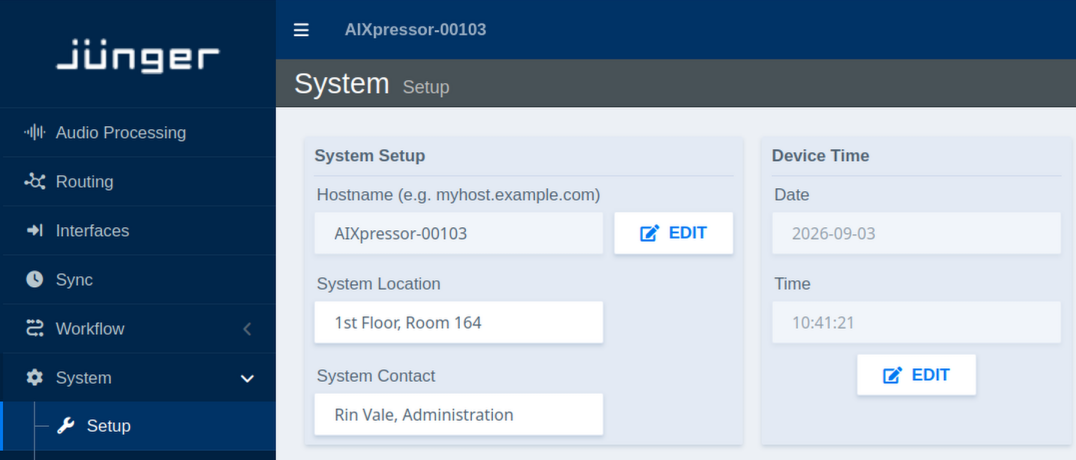
System Setup:
| Parameter | Values | Default | Description |
|---|---|---|---|
| Hostname | Text | Device name | Sets the network hostname for device identification (click Edit) |
| System Location | Text | - | Defines the physical location of the device for administrative purposes |
| System Contact | Text | - | Specifies contact person or department responsible for the device |
Device Time:
| Parameter | Values | Default | Description |
|---|---|---|---|
| Current Date | Status | - | Displays the current device date |
| Current Time | Status | - | Displays the current device time |
| Edit | Button | - | Opens time configuration dialog. |
Note: Manually set values may be overridden by NTP synchronization (see System → Network → NTP)