
Users
Current Scope
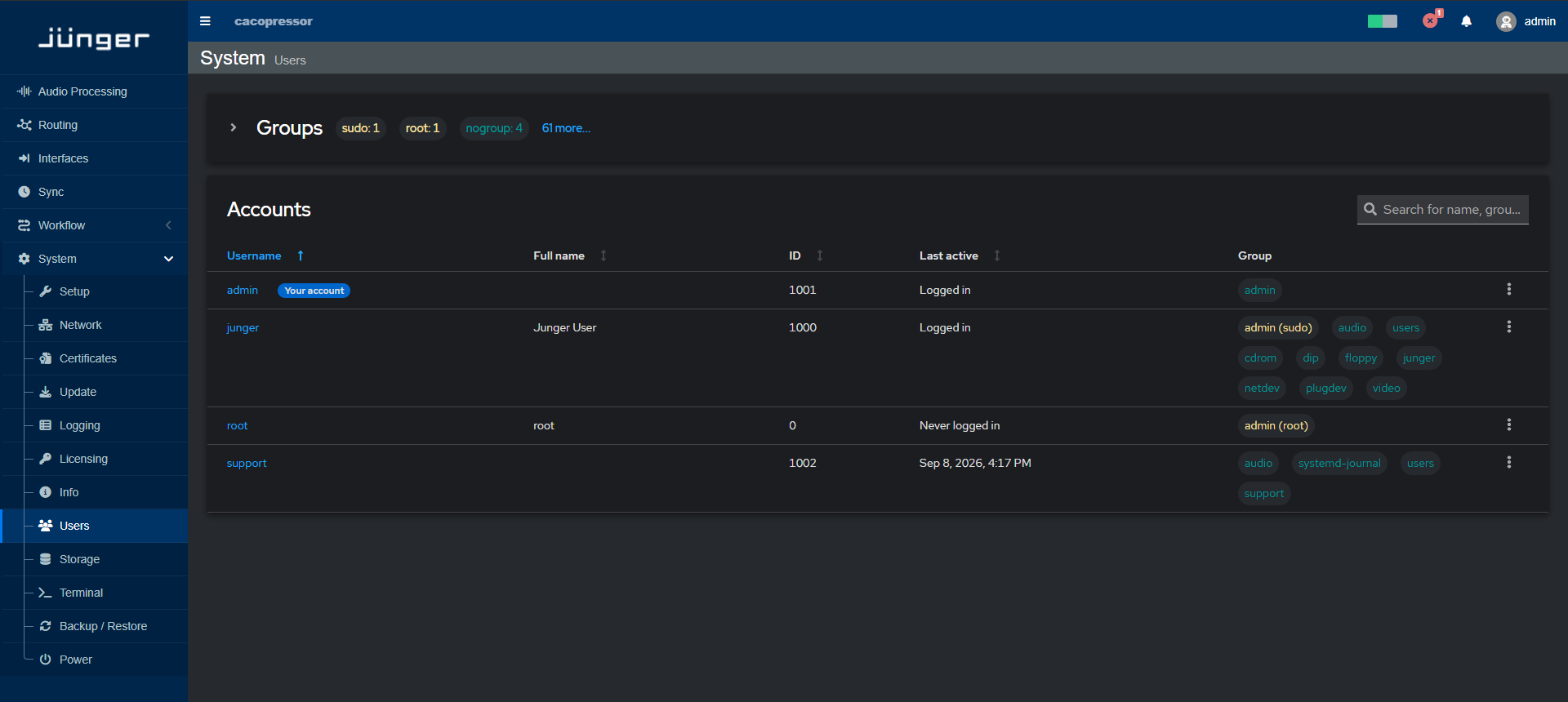
The Userscurrent pageflexAI version provides only a limited set of user management functions. At this stage, user administration is currentlymainly providedintended for informationalbasic purposesaccount only.access and password handling.
UserThis rolearticle covers the available functions in the current version and permission management will be addedupdated as user management is extended in anfuture upcomingreleases.
Changing softwarePasswords
To Thischange willthe allowadmin administratorspassword:
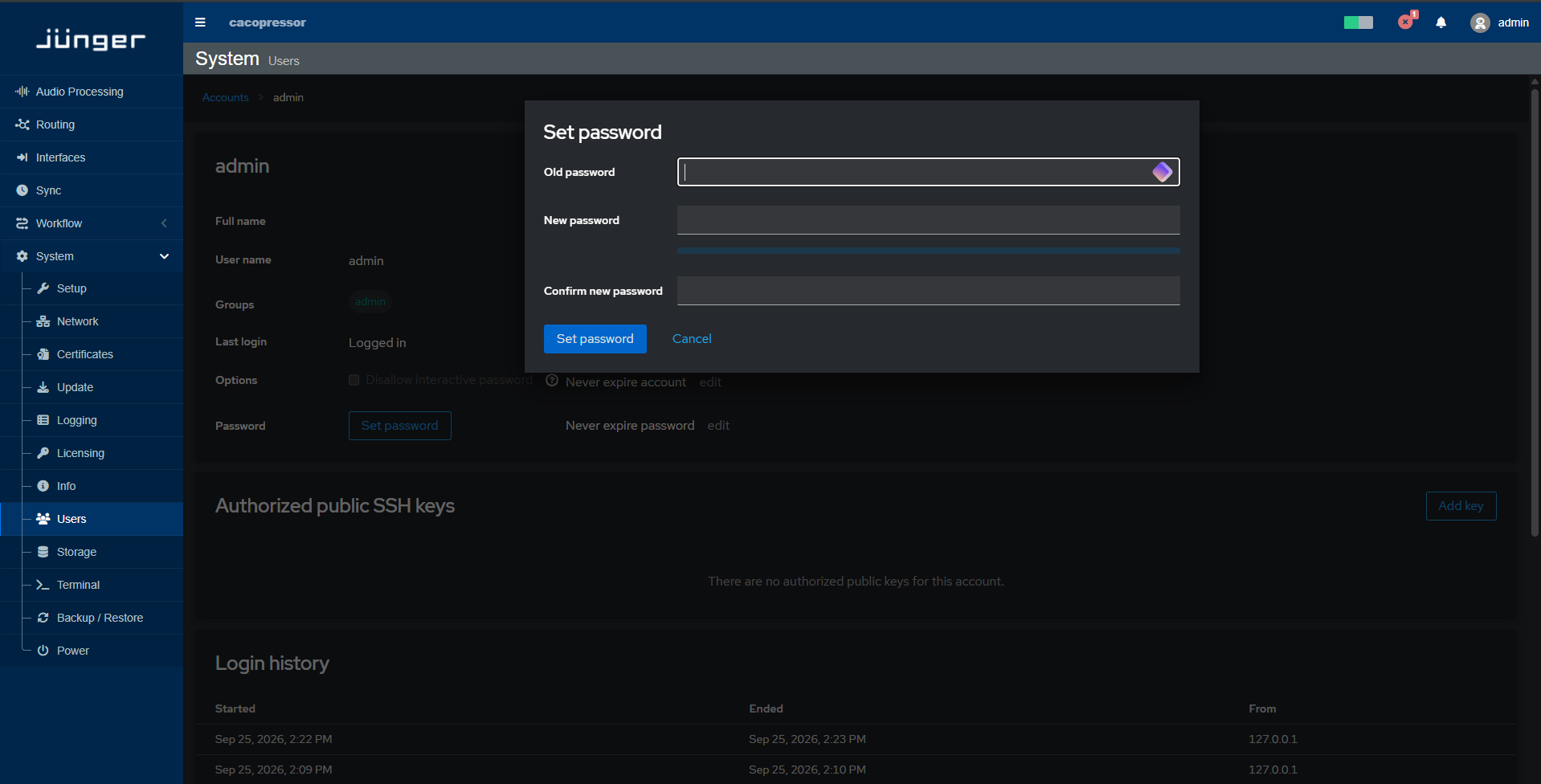
\*\*Note -\*\* Password must contain at least 10 characters, including at least: - one upper case letter - one lower case letter - one number - one special character