
Backup / Restore
The Backup / Restore page allows you to save the current flexAI configuration to a backup file and restore a previously saved configuration.
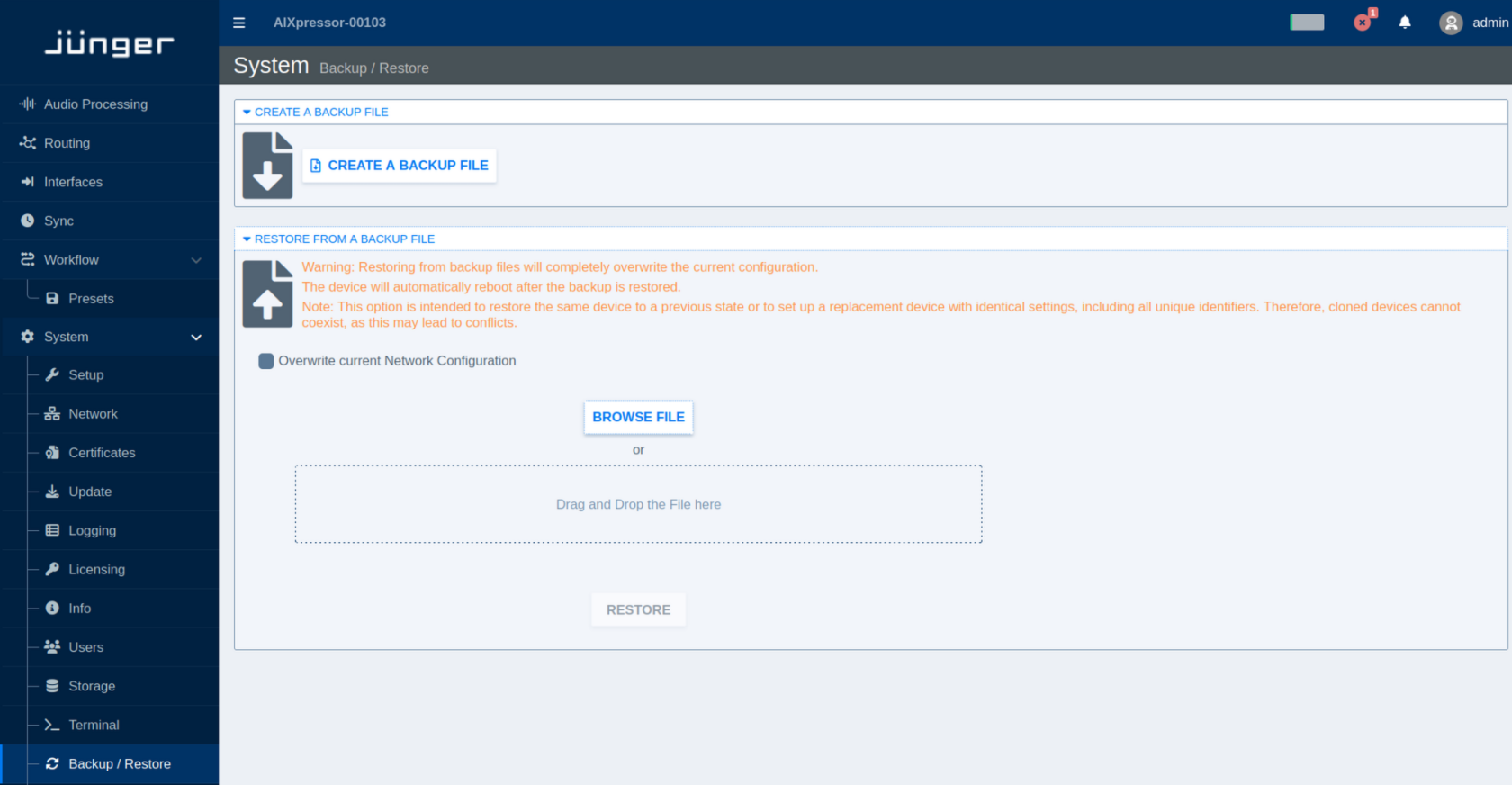
Create a Backup
Select Backup / Restore from the System menu.
Click Create a Backup File to generate and download a backup of the current system configuration. Keep backup files in a safe location so that a known configuration can be restored when required.
Restore from a Backup
A backup can be used to restore a flexAI system to a previous configuration or to configure a replacement system with the same settings.
To select a backup file, click Browse File or drag and drop the file into the designated area. Once a valid backup file has been selected, click Restore to start the restore process.
Restoring a backup replaces the current configuration with the configuration stored in the backup file. The flexAI system automatically reboots after the restore process has completed.
By default, the current network configuration is retained. Enable Overwrite current Network Configuration if the network settings stored in the backup should also be restored.
A backup may contain system-specific settings and unique identifiers. Restoring the same backup to multiple systems can therefore result in duplicate identifiers and network or service conflicts. Backup files intended to reproduce a complete system configuration should be used for restoring the original system or for setting up its replacement, rather than for creating multiple simultaneously operated copies.