
Routing Collections
Routing Collections allow you to organize routing connections into separate groups. Each collection can have its own presets, making it easier to manage different sets of connections for different workflows, signal groups, or operating scenarios.
The available collections are shown at the top of the routing view. Select a collection name to display and manage the connections assigned to that collection.
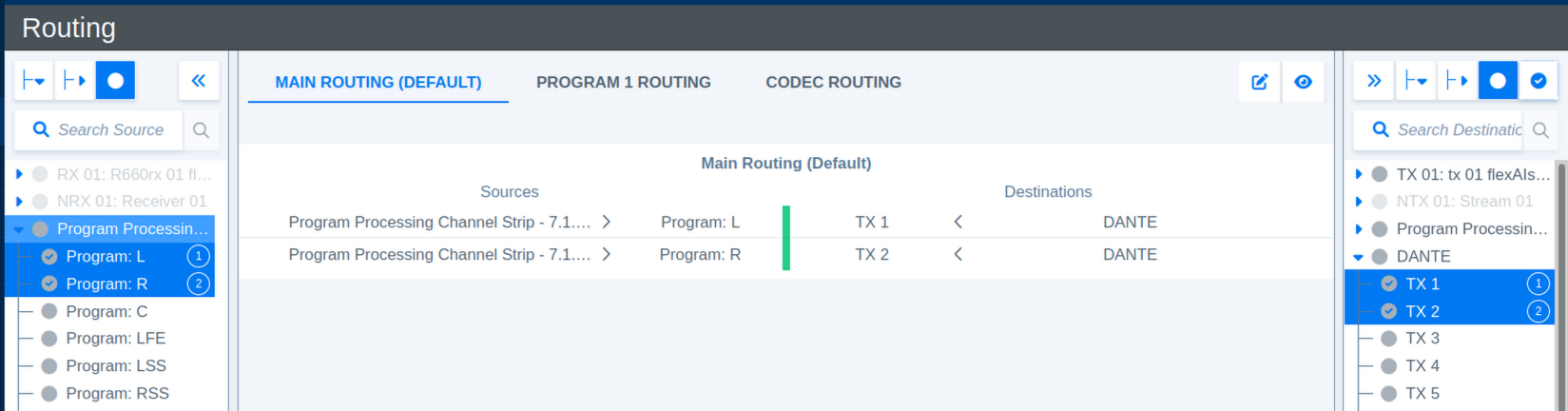
Use the icons in the upper-right corner of the routing view to manage collections and change the displayed connection view.
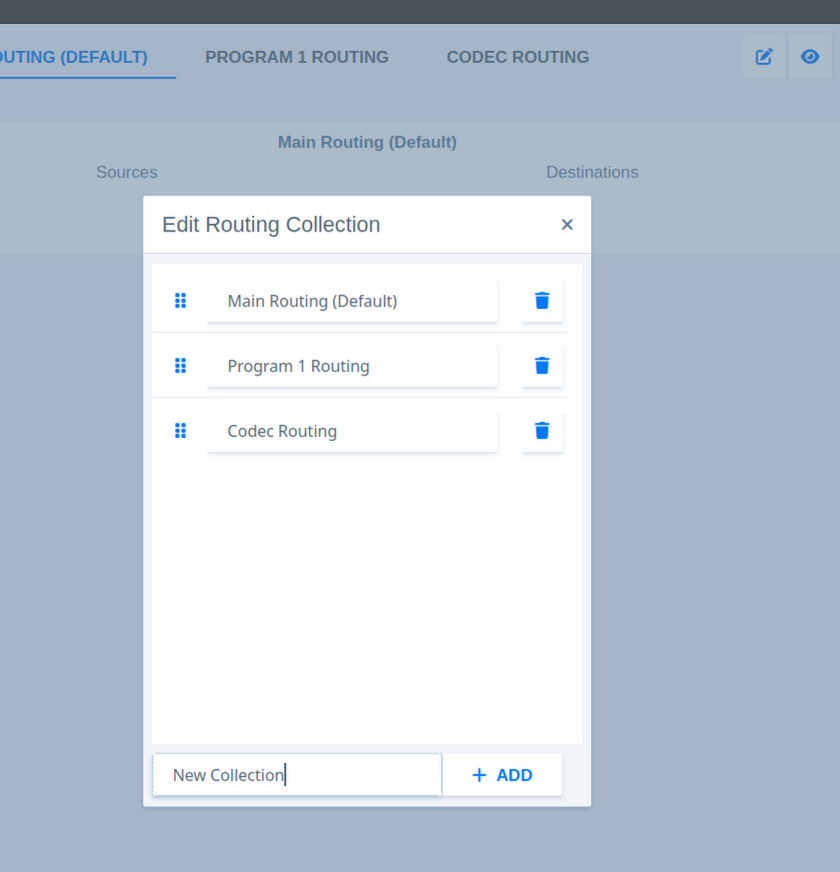
The Edit icon opens the collection menu. From this menu, you can add a new collection, rename an existing collection, or delete a collection.
The Eye icon switches the view between the selected collection and all available connections. The currently selected collection is highlighted and underlined in the collection bar.
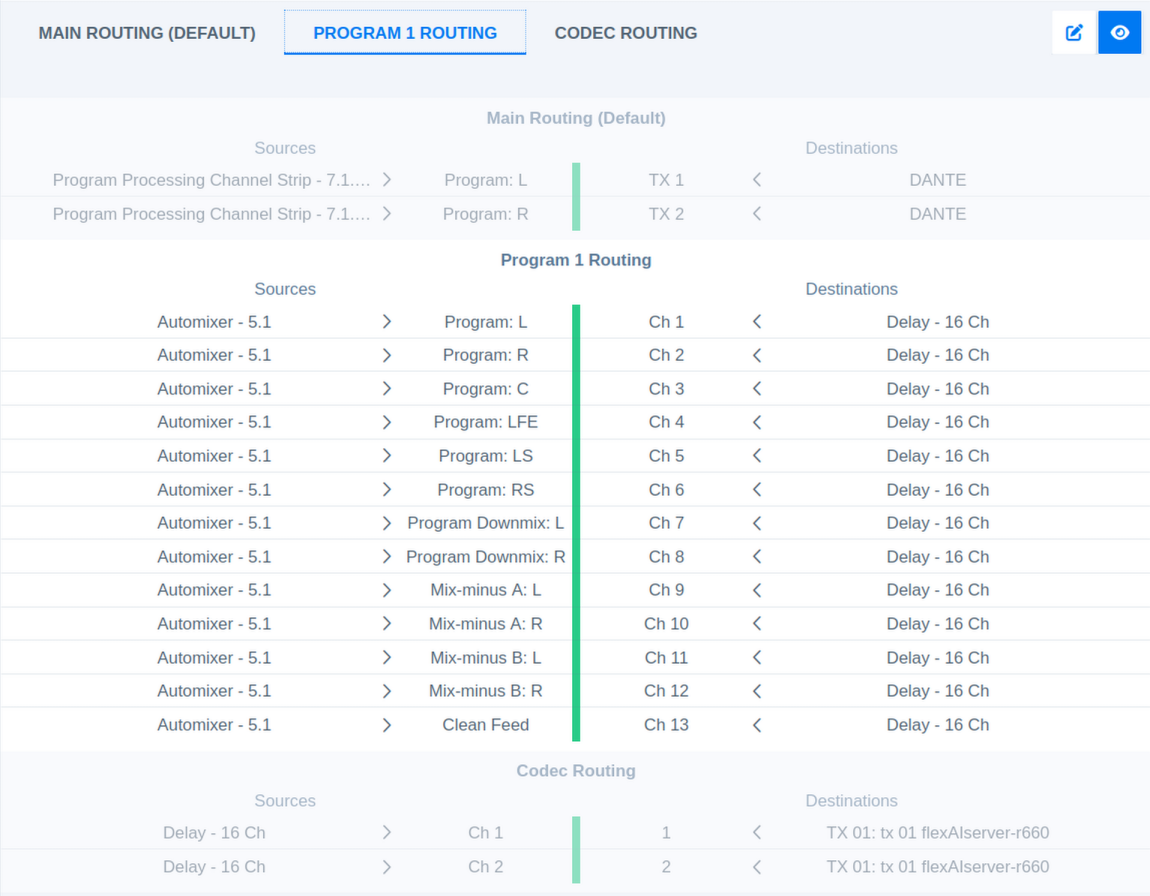
Each Routing Collection has its individual set of presets.